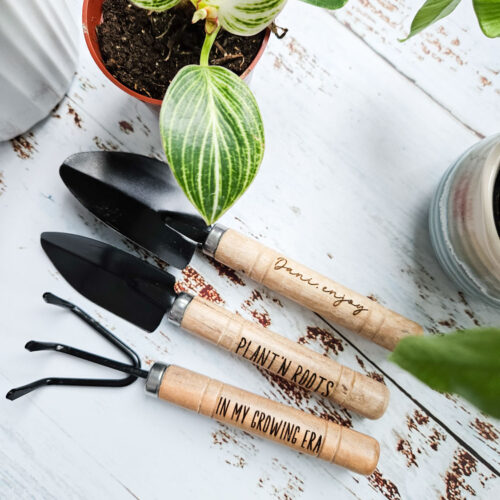
How to Engrave Garden Tools with xTool
We'll teach you how to engrave garden tools with xTool with a step by step tutorial.
Ingredients
- xTool P2
- Mini Gardening Tools Set
- SVG file of your choosing or personalized text
Instructions
- Open the Creative Space app and turn on xTool P2.
- Connect Creative Space app to machine.
- Click on create project.
- Import an image/phrase or create your own in Creative Space on a blank canvas.
- Place the garden tools inside the machine on top of the slats. Prop the handle end so it is a level surface for engraving.
- Refresh the screen and select the measure tool to manually check the thickness of the handle.
- Size the design to fit on the handle.
- With the design selected, ensure the parameter is set to engrave and then assign the settings for the machine to follow.
- Hit process.
- Remove when engraving is complete.
- Wipe away some of the fine dust on the surface of the handle
Tried this recipe?Let us know how it was!